GPT Image 1.5 Generator - OpenAI's Latest AI Image Model
GPT Image 1.5 is OpenAI's latest image generation model featuring high-fidelity output with exceptional prompt adherence. Create and edit stunning images with GPT Image 1.5's advanced capabilities for composition, lighting, and fine-grained detail preservation.
All OpenAI GPT Image Models
Explore OpenAI's complete GPT Image model lineup - from GPT Image 1 to GPT Image 1.5 series. Each model delivers exceptional image generation with advanced prompting capabilities, multi-image editing, and industry-leading quality.

Why Choose GPT Image 1.5?
Create stunning visuals with GPT Image 1.5 — OpenAI's most advanced image generation model with unmatched prompt understanding and photorealistic quality.
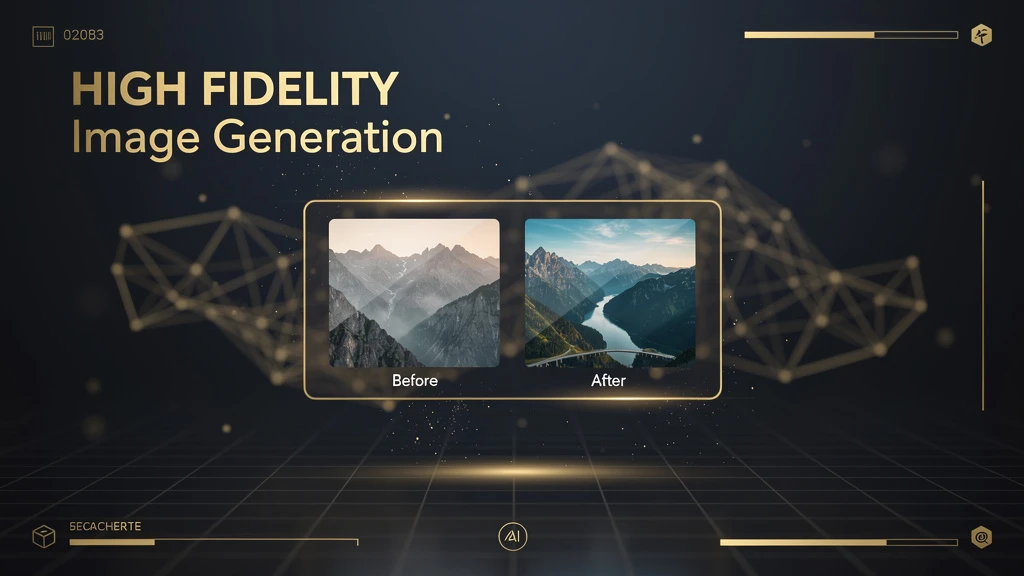
High-Fidelity Image Generation
GPT Image 1.5 delivers exceptional image quality with strong prompt adherence. Experience detailed output that preserves composition, lighting, and fine-grained detail. Perfect for professional creators seeking the highest quality AI-generated images with GPT Image 1.5's advanced rendering capabilities.
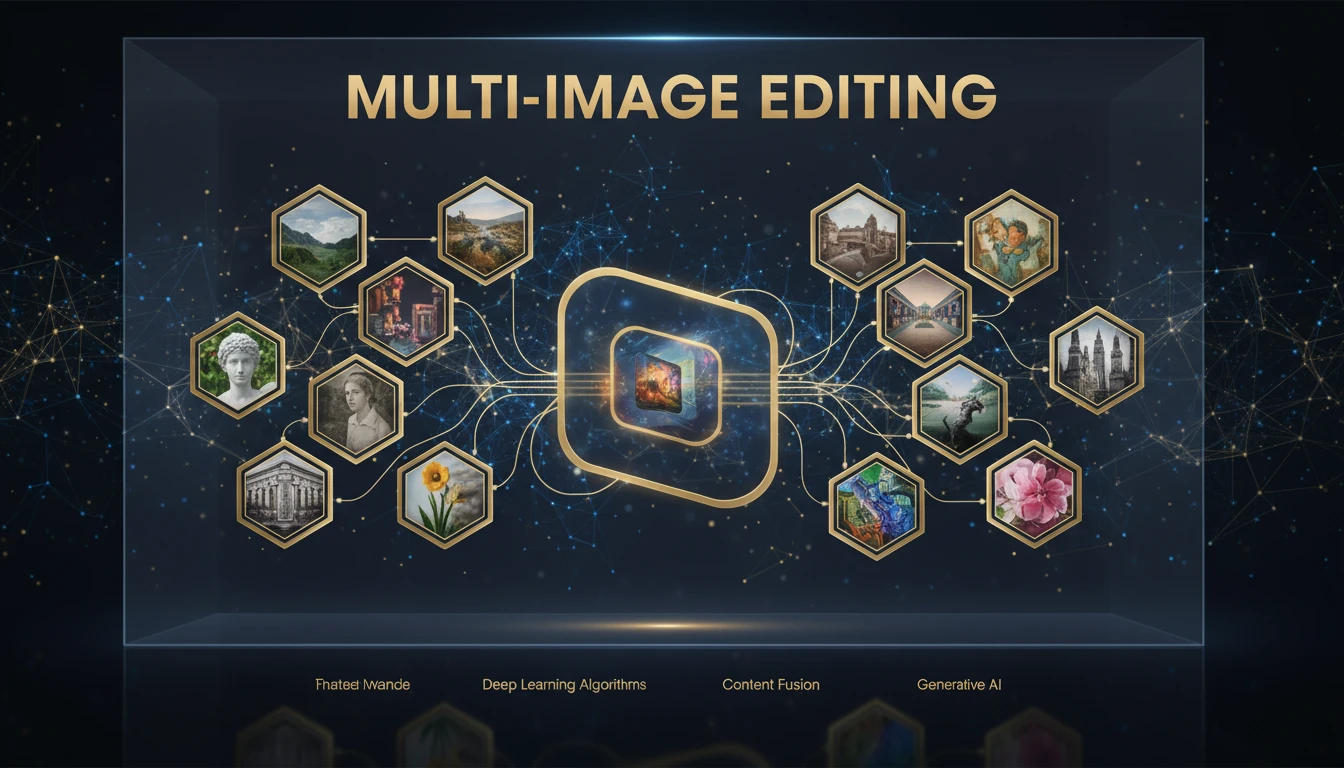
Powerful Multi-Image Editing
GPT Image 1.5 Edit supports up to 10 reference images for complex compositions. Transform existing images using natural language instructions with GPT Image 1.5's advanced understanding. Ideal for creative workflows requiring precise control over image modifications and blending.
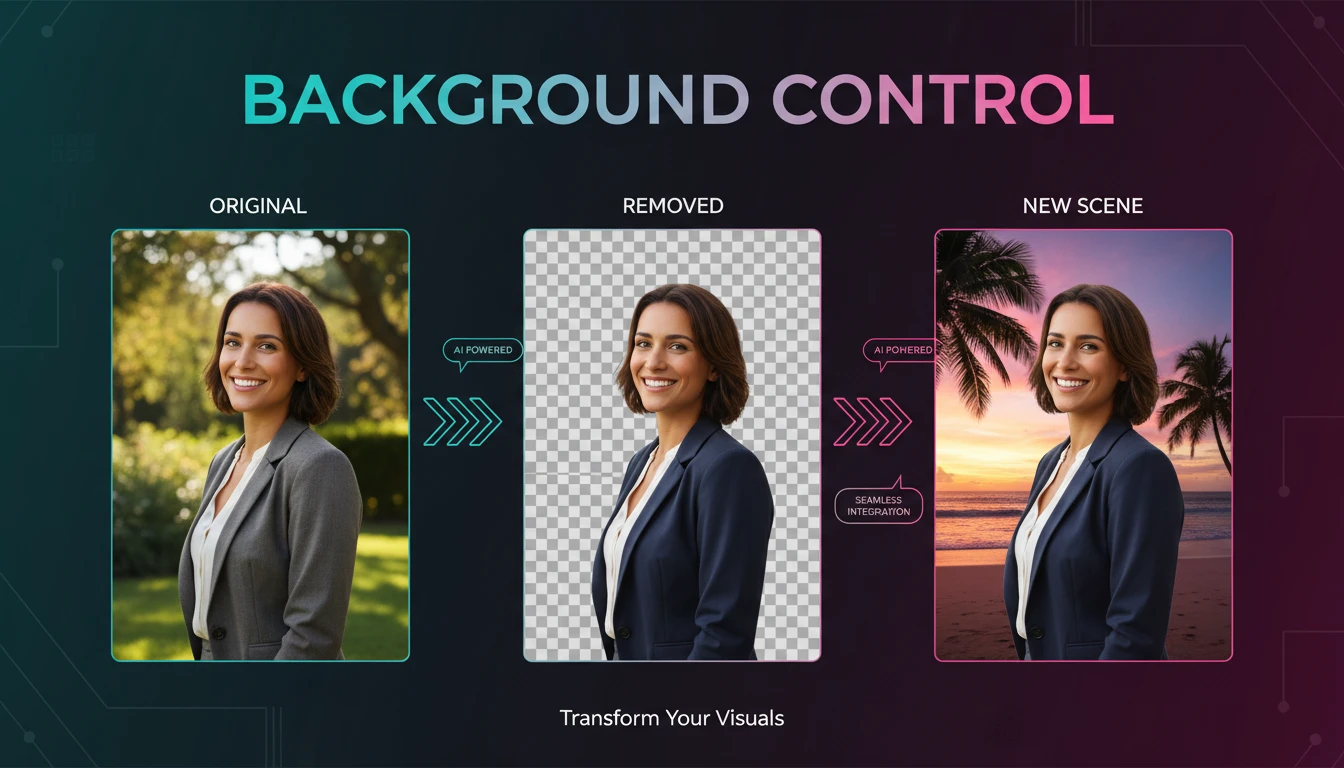
Advanced Background Control
GPT Image 1.5 offers intelligent background handling with auto, transparent, and opaque modes. Create images with perfect backgrounds for any use case - from product photography to artistic compositions. GPT Image 1.5 understands context and delivers appropriate background treatment.
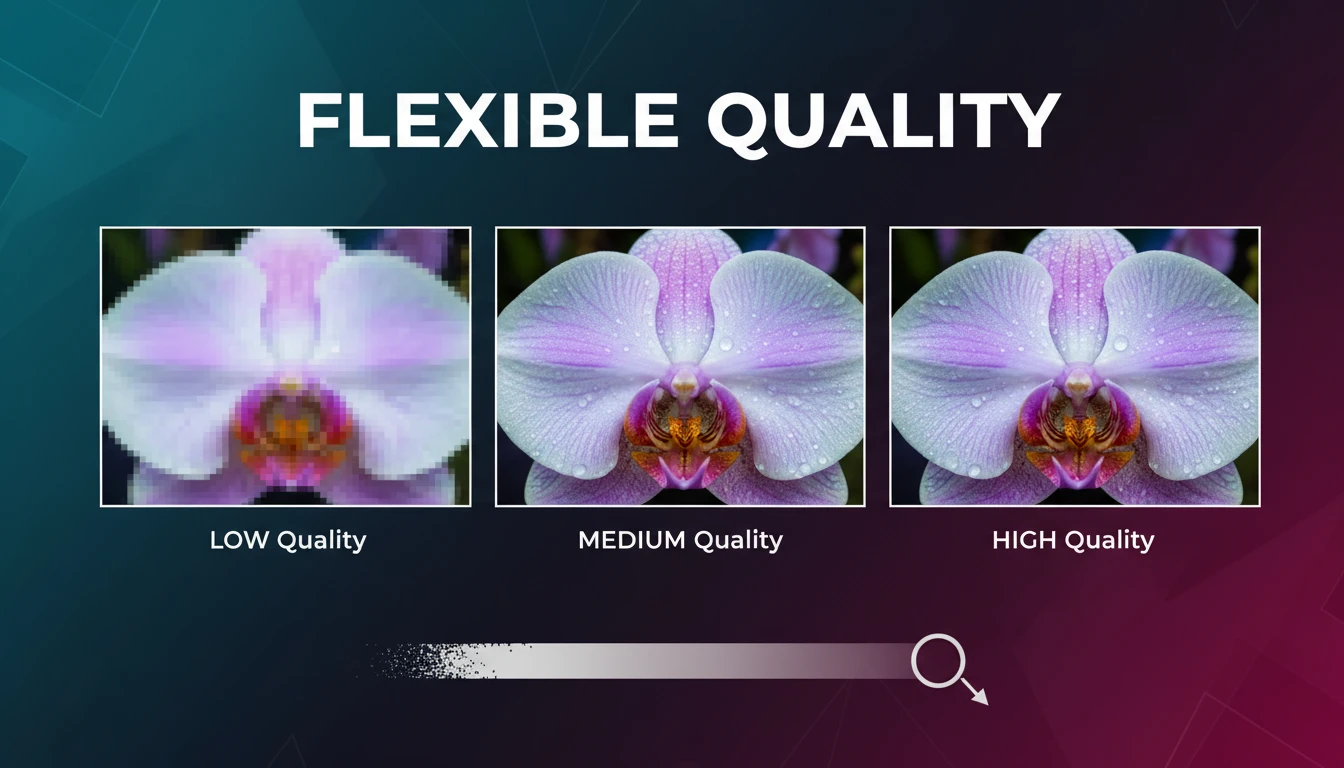
Flexible Quality Settings
Choose from low, medium, or high quality settings in GPT Image 1.5 to balance speed and detail. Low quality for rapid prototyping, medium for everyday use, and high for production-ready assets. GPT Image 1.5 adapts to your workflow needs with intelligent optimization.
How to Use GPT Image 1.5 Generator
Select Model & Mode
Choose GPT Image 1.5 for text-to-image generation or GPT Image 1.5 Edit for image-to-image editing. Switch between modes seamlessly based on your creative needs.
Craft Your Prompt
Describe your vision using natural language. GPT Image 1.5 excels at understanding detailed descriptions, including composition, lighting, style, and subject matter. For editing mode, upload reference images and describe your desired changes.
Generate & Download
Generate high-fidelity results with GPT Image 1.5. Download in JPEG, PNG, or WebP format. Iterate quickly to perfect your creation with GPT Image 1.5's consistent output quality.
GPT Image 1.5 - Frequently Asked Questions
Explore More AI Tools
Discover other powerful AI tools for your creative projects
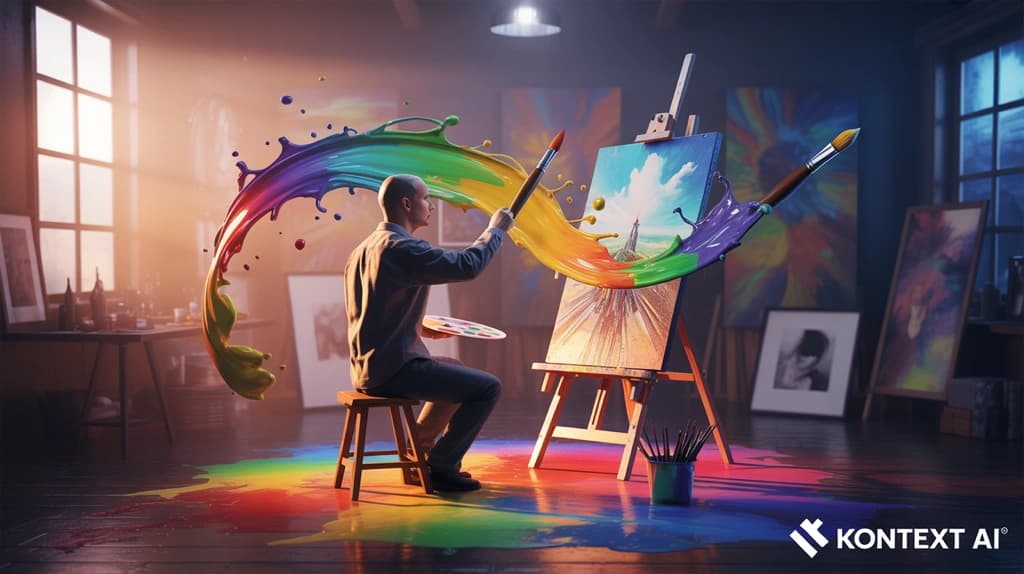
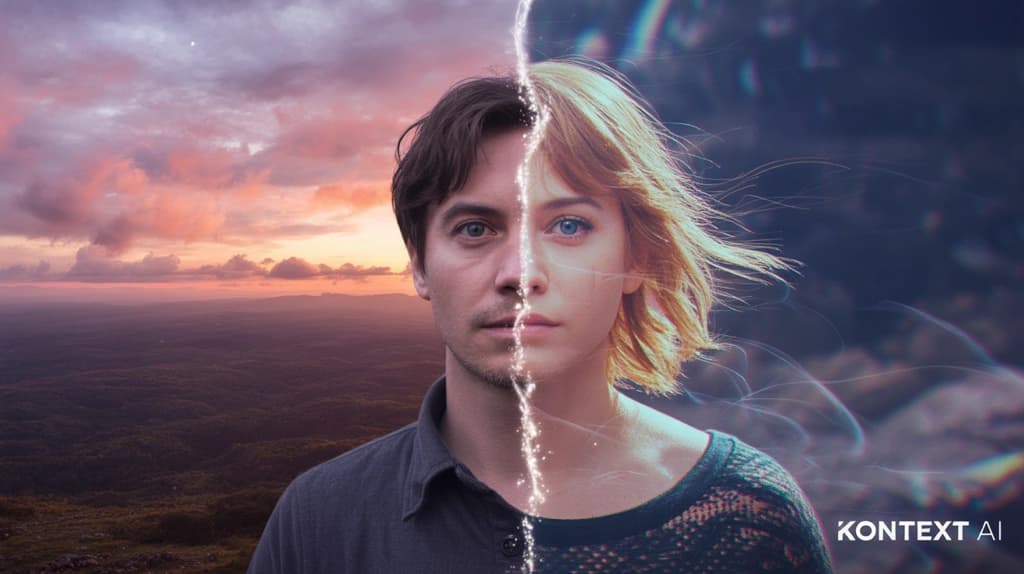
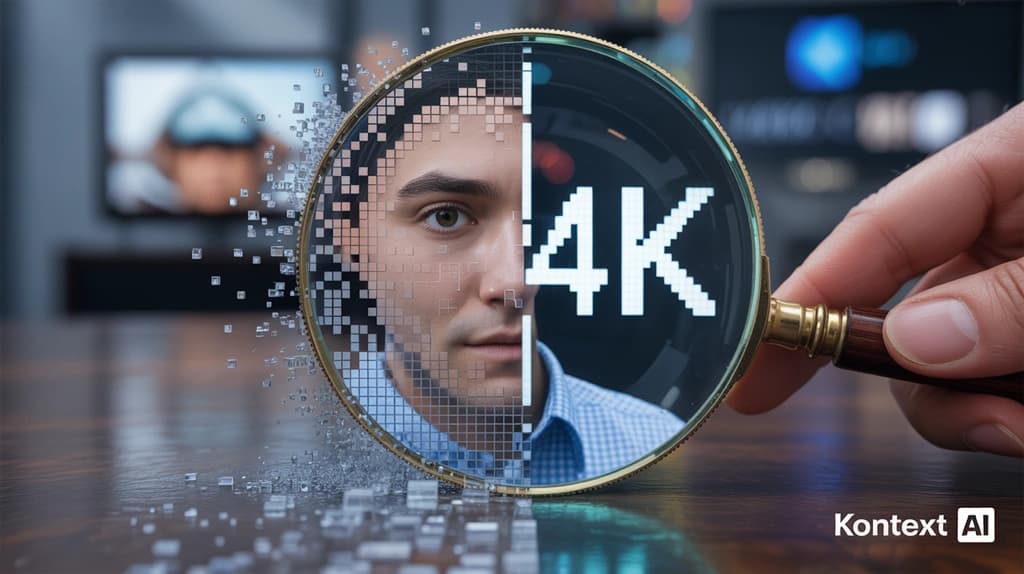
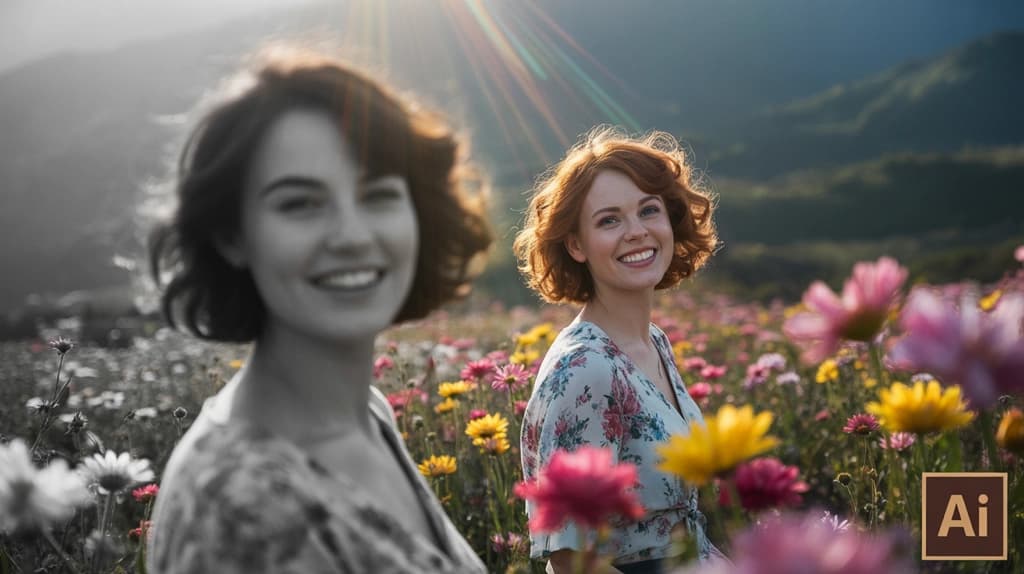
Start Creating with GPT Image 1.5
Experience OpenAI's latest AI image generation model. High-fidelity output, powerful editing, and exceptional prompt adherence - all in one platform.
OpenAI's latest model - High fidelity - Multi-image editing - Start creating now