Midjourney AI — Free Online Image Generator
Create AI images with Midjourney V8 directly in your browser. 4 unique variations per prompt, style reference support, and no Discord account needed. Start free.
Available Midjourney Models
Generate photorealistic and artistic images with Midjourney V8 — for both text-to-image and style-reference (image-to-image). Every generation outputs 4 unique variations per prompt.
What Makes Midjourney Different
Midjourney is known for artistic quality that other generators can't match. Here's what you get.
4 Images Per Prompt, Every Time
Every Midjourney generation returns 4 distinct variations — different compositions, colors, and angles in one shot. Great for exploring ideas fast and finding creative directions you wouldn't have prompted for.
V8 — The Latest Midjourney Engine
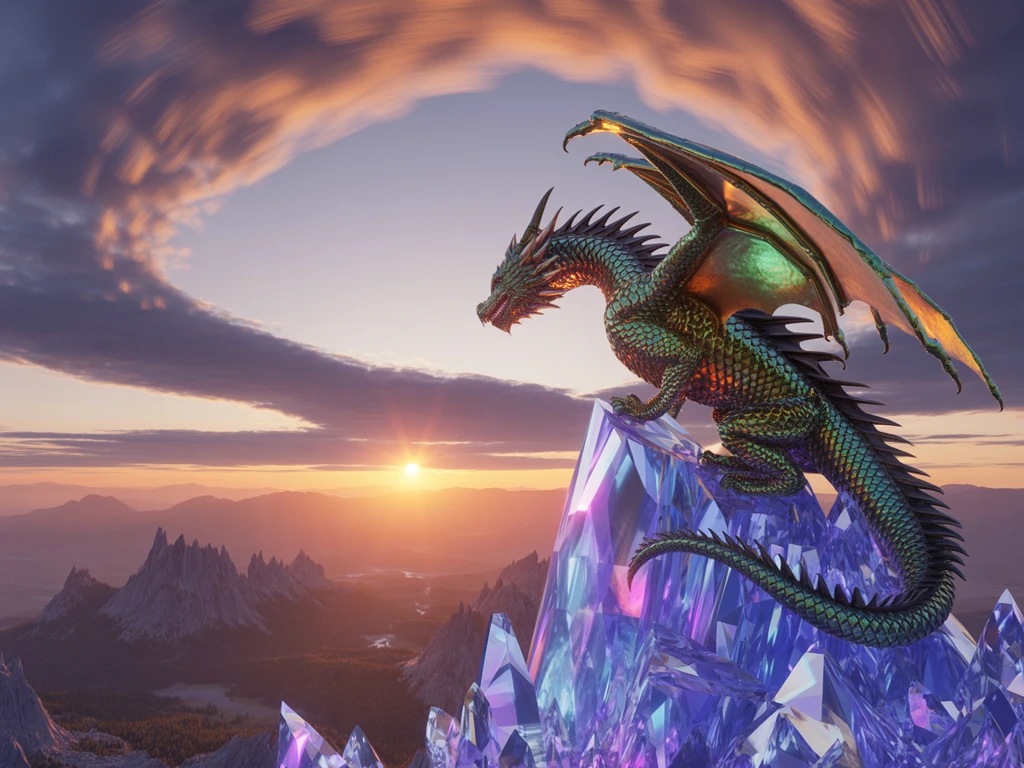
V8 brings major upgrades in prompt accuracy, multi-subject coherence, and natural lighting. It handles complex scenes without merging subjects, renders text reliably, and finally gets hands right.
Style Reference (sref) — Match Any Aesthetic
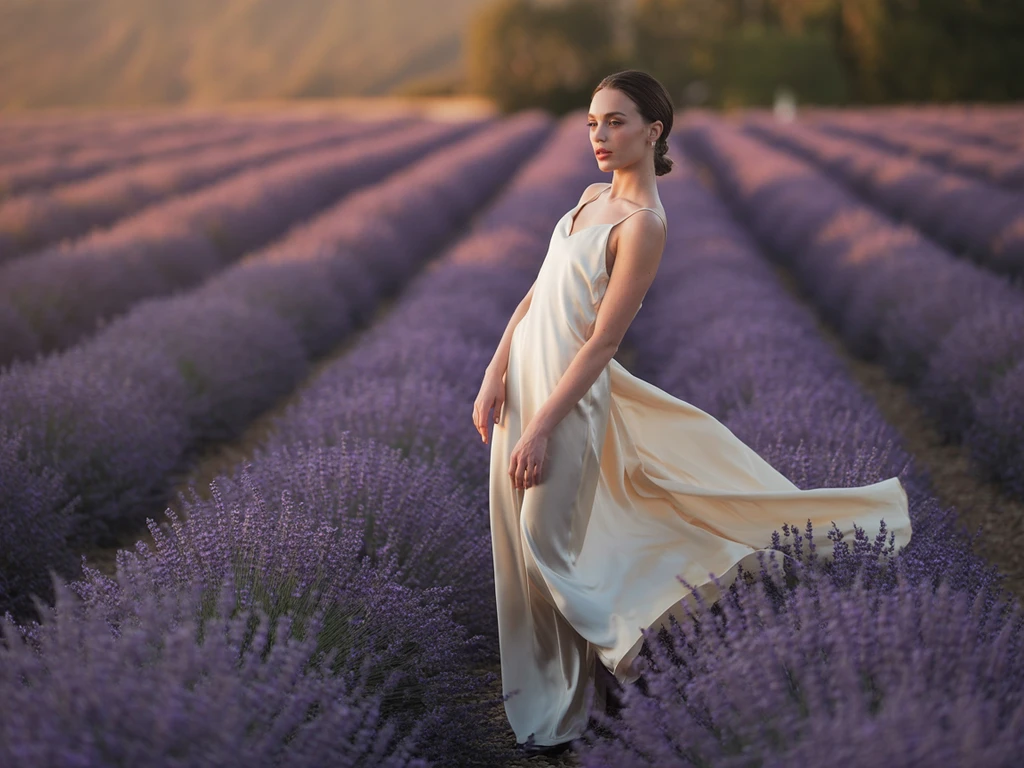
Upload a reference image and Midjourney matches its color palette, mood, and texture in new generations. Essential for maintaining visual consistency across brand campaigns and content series.
Cinematic Quality Out of the Box
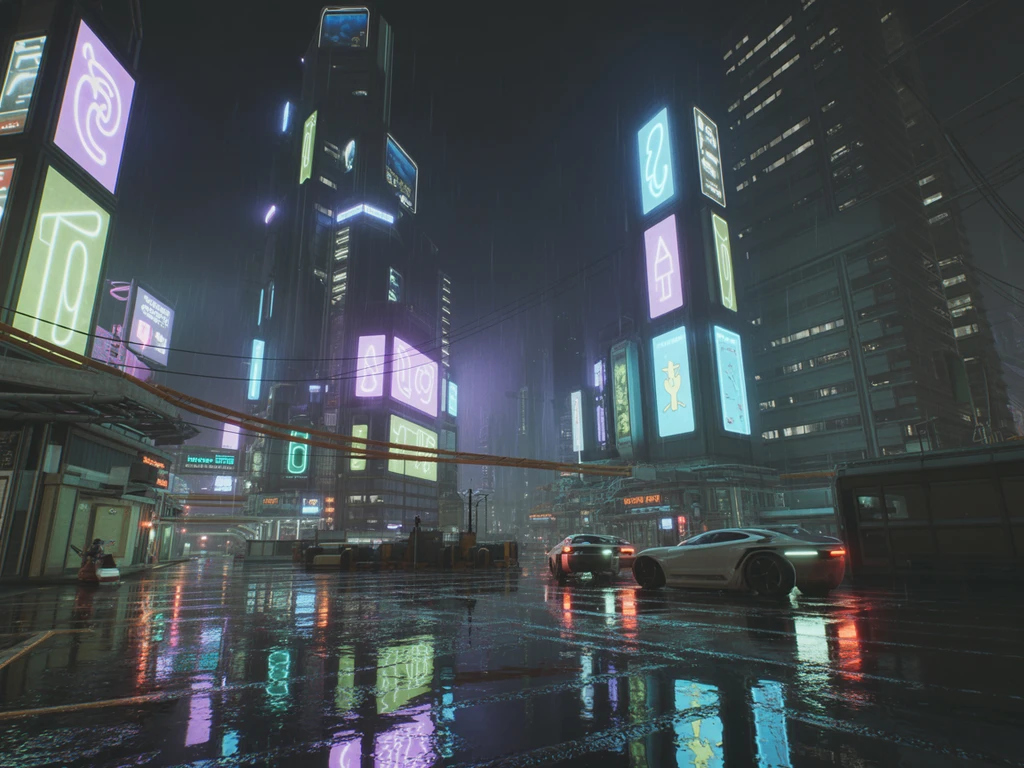
Midjourney's signature aesthetic — dramatic lighting, rich color grading, and painterly detail — comes through with minimal prompt engineering. Ideal for concept art, posters, and atmospheric, story-driven scenes.
How to Use Midjourney AI Online
Write Your Prompt
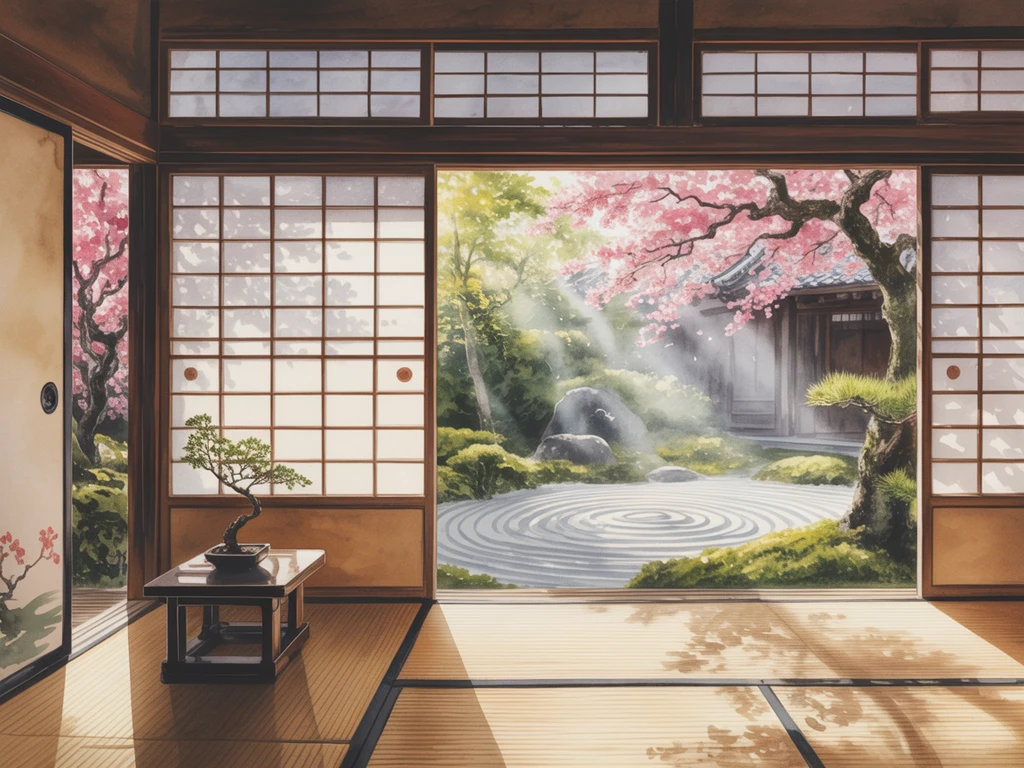
Describe what you want in plain English. Midjourney is good at interpreting creative intent, so you don't need to engineer prompts — though adding style keywords like "cinematic lighting" or "watercolor" helps steer the output. You can also upload an image as a style reference to match a specific aesthetic.
Choose Your Settings
Set your aspect ratio (1:1, 16:9, 9:16, 4:3, and more) and quality level, and optionally upload a style reference image to match a specific aesthetic. The defaults work well for most use cases — adjust only when you have a specific need.
Generate & Save
Click generate and get 4 images in about 30 seconds. Download the ones you like at full resolution. Refine your prompt and regenerate if needed — the 4-image grid makes iteration fast since you can compare directions in a single generation.
Midjourney vs DALL-E 3 vs Stable Diffusion
How Midjourney stacks up against the other major AI image generators
| Feature | Midjourney V8 | DALL-E 3 | Stable Diffusion 3.5 | Flux |
|---|---|---|---|---|
| Aesthetic Quality | ★★★★★ | ★★★★ | ★★★ | ★★★★ |
| Prompt Accuracy | ★★★★ | ★★★★★ | ★★★ | ★★★★★ |
| Text in Images | Good | Best | Limited | Good |
| Images Per Generation | 4 | 1 | 1 | 1 |
| Style Reference (sref) | ||||
| Anime & Illustration | ||||
| Open Source | ||||
| Local Deployment | ||||
| LoRA / Fine-tuning | ||||
| No Discord Required | ✓ (on Kontext) | |||
| Starting Price | Free on Kontext | $20/mo (ChatGPT+) | Free (local) | Free on Kontext |
Midjourney V8
- Aesthetic Quality
- ★★★★★
- Prompt Accuracy
- ★★★★
- Text in Images
- Good
- Images Per Generation
- 4
- Style Reference (sref)
- Anime & Illustration
- Open Source
- Local Deployment
- LoRA / Fine-tuning
- No Discord Required
- ✓ (on Kontext)
- Starting Price
- Free on Kontext
DALL-E 3
- Aesthetic Quality
- ★★★★
- Prompt Accuracy
- ★★★★★
- Text in Images
- Best
- Images Per Generation
- 1
- Style Reference (sref)
- Anime & Illustration
- Open Source
- Local Deployment
- LoRA / Fine-tuning
- No Discord Required
- Starting Price
- $20/mo (ChatGPT+)
Stable Diffusion 3.5
- Aesthetic Quality
- ★★★
- Prompt Accuracy
- ★★★
- Text in Images
- Limited
- Images Per Generation
- 1
- Style Reference (sref)
- Anime & Illustration
- Open Source
- Local Deployment
- LoRA / Fine-tuning
- No Discord Required
- Starting Price
- Free (local)
Flux
- Aesthetic Quality
- ★★★★
- Prompt Accuracy
- ★★★★★
- Text in Images
- Good
- Images Per Generation
- 1
- Style Reference (sref)
- Anime & Illustration
- Open Source
- Local Deployment
- LoRA / Fine-tuning
- No Discord Required
- Starting Price
- Free on Kontext
Midjourney AI FAQ
Explore More AI Tools
Discover other powerful AI tools for your creative projects
Try Midjourney AI Free
Generate 4 images per prompt with Midjourney V8. No Discord account, no installs — just your browser.
Free credits included • 4 images per prompt • Midjourney V8 • No Discord