Qwen Image 3 - Qwen Image Generation & Edit Online
Run Alibaba's newest image model in your browser. Qwen Image 3 generates up to 2048x2048 with automatic prompt rewriting, and Qwen Image Edit works from 1-3 reference photos without losing faces or identity. Every older Qwen model stays available in the selector.
All Qwen & Wan Image Models
The complete Alibaba lineup in one place - Qwen Image 3, Qwen Image 2512, the Edit series, and Wan. Pick per task: text rendering, multi-image edit, or character consistency.


Why Choose Qwen Image 3?
Alibaba's newest image model - strong text rendering, 2K output, and identity-preserving edits.
Text Rendering That Actually Reads
Qwen models lead open benchmarks for text in images, and version 3 keeps that edge. Posters, logos, labels, and UI mockups come out with correct Chinese and English characters - no garbled lettering to retouch.
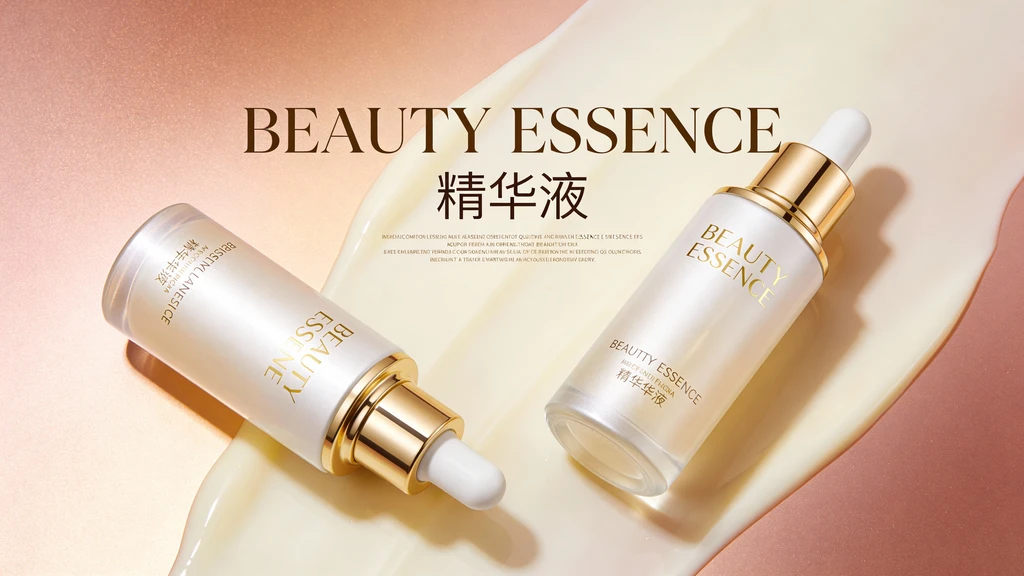
2K Qwen Image Generation
Qwen image generation now reaches 2048x2048, with the model picking a fitting resolution from your prompt. A built-in rewriter expands short prompts into detailed ones, so a single line is enough to get a composed, detailed result.

Qwen Image Edit That Keeps Identity
Feed Qwen Image Edit 1-3 reference photos and describe the change. Faces, outfits, and product details carry over instead of being reinvented - the usual failure mode of AI edits. Refer to uploads as 'image 1' to 'image 3' in the prompt.
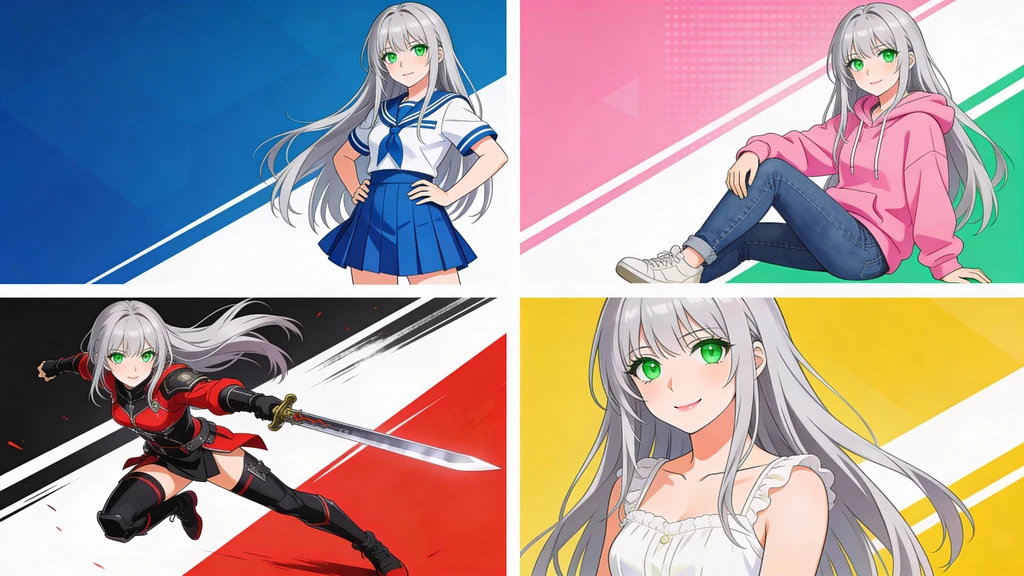
Ready for Real Work
Output holds up in production: e-commerce listings, ad creatives, packaging comps. Choose JPEG, PNG, or WebP and generate up to 4 variations per run to pick from.
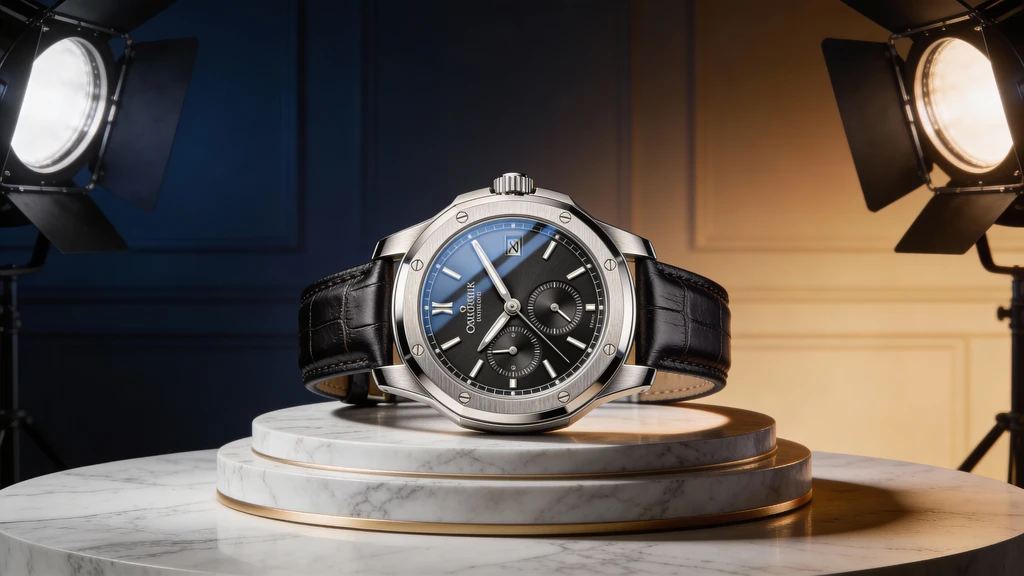
How to Use Qwen Image 3
Pick a Mode
Text to Image uses Qwen Image 3 by default; Image to Image uses Qwen Image 3 Edit. Older models like Qwen Image 2512 and Edit 2511 are one click away in the selector.
Write the Prompt
Chinese or English both work. For text-heavy designs, spell out the exact wording. For edits, upload 1-3 photos and reference them as 'image 1', 'image 2', 'image 3'.
Generate & Download
Up to 4 images per run, up to 2048x2048. Set a seed to reproduce a result, add a negative prompt to cut what you don't want, then download in JPEG, PNG, or WebP.
Qwen Image 3 - Frequently Asked Questions
Explore More AI Tools
Discover other powerful AI tools for your creative projects
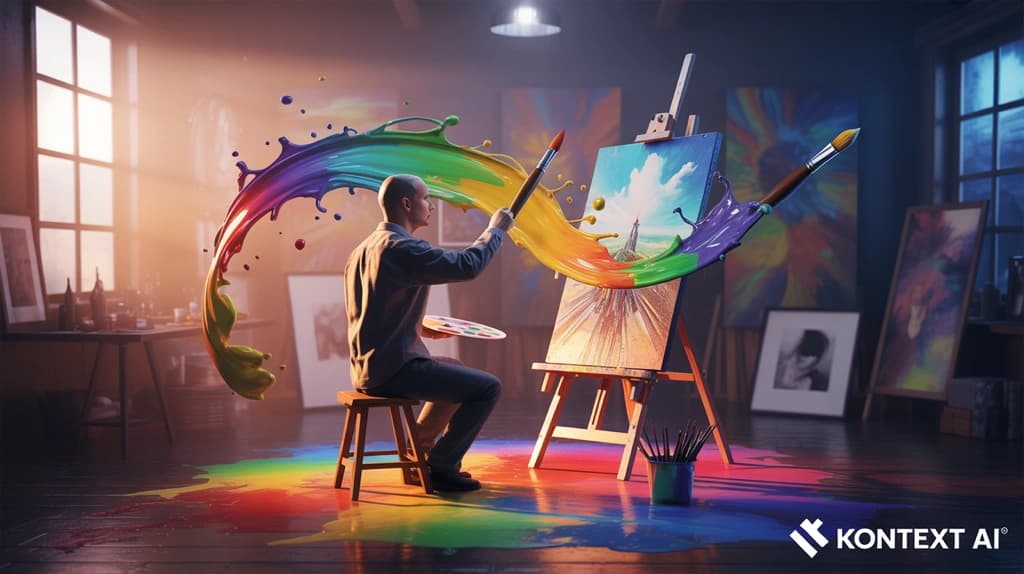

Try Qwen Image 3 Now
Qwen image generation at 2K, edits that keep identity, and the best text rendering in open models - free credits to start.
Up to 2048x2048 - Chinese & English text - 1-3 reference images