Flux AI - The Complete AI Image Suite
Access all Flux AI models in one place. Generate stunning images with Flux 2, edit with Flux Kontext, and explore the full Black Forest Labs Flux AI ecosystem. Free to try, no signup required.
Flux AI Tools & Applications
Explore specialized Flux AI tools for every creative need
Flux Kontext
AI image editing with context awareness
Flux Kontext Dev
Open-source model for iterative image editing
Flux Kontext Lora
LoRA-enhanced image editing with artistic control
Flux Kontext Apps
Flux Kontext Apps Gallery

Flux 2 Image
Flux 2 Image Generator - AI image generation & editing with Dev, Pro, Flex models
All Flux AI Models
Explore the complete Flux AI model lineup from Black Forest Labs — from Flux Kontext for context-aware editing to Flux 2 for next-gen image generation. Every Flux AI model optimized for professional results.

Why Choose Flux AI
Flux AI by Black Forest Labs offers industry-leading image generation and editing capabilities
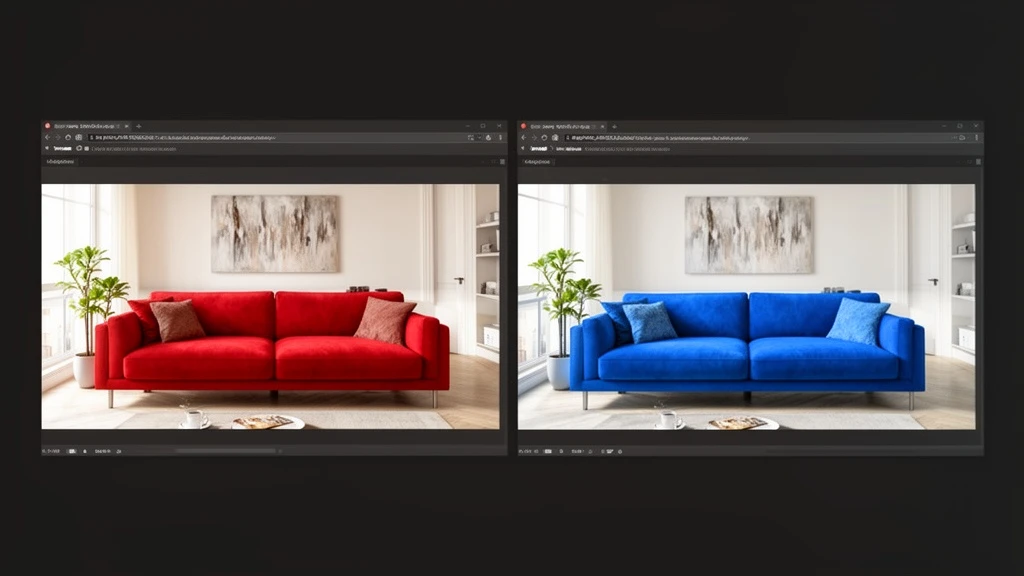
Context-Aware Image Editing
Flux Kontext understands your images in context. Edit specific elements, swap objects, change styles, and transform scenes while preserving the parts you want to keep. The most intuitive AI image editing experience powered by Flux AI.
Next-Gen Image Generation
Flux 2 delivers stunning text-to-image generation with superior text rendering, photorealistic quality, and advanced prompt understanding. Choose from Dev, Pro, Max, and Turbo models for any Flux AI workflow.
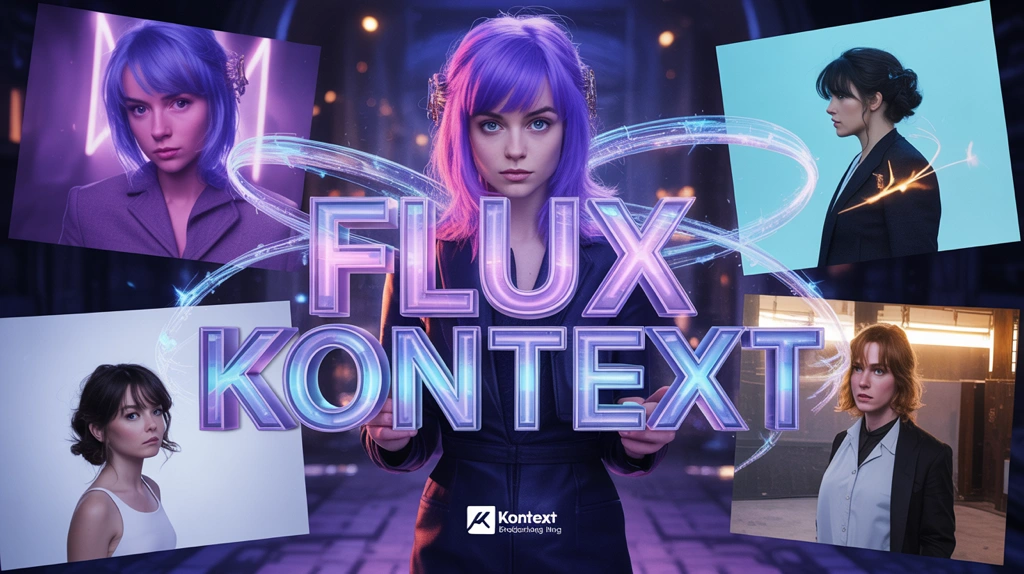
Character Consistency with LoRA
Train custom Flux AI LoRA models to maintain character consistency across multiple generations. Perfect for brand assets, comic series, product shots, and any project requiring consistent visual identity.

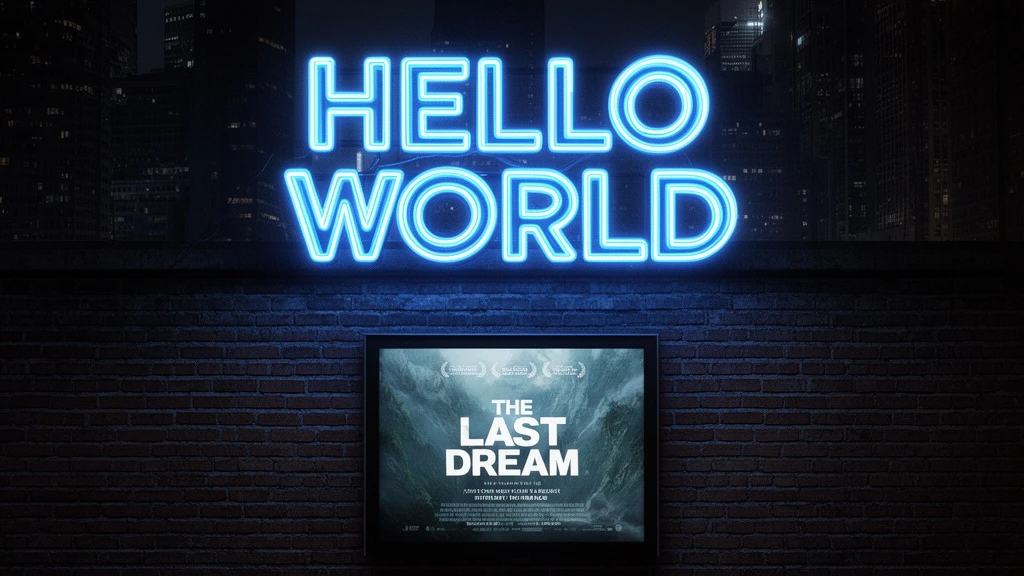
Industry-Leading Text Rendering
Flux AI models excel at rendering text within images — logos, signs, labels, and typography. Flux 2 Flex offers surgical control over text placement and styling, making Flux AI the top choice for design work.
How to Use Flux AI
Choose Your Flux AI Model
Select from Flux Kontext for image editing, Flux 2 for text-to-image generation, or specialized models like Flux Pro and Flux Dev. Each Flux AI model is optimized for different creative tasks.
Enter Your Prompt or Upload an Image
For text-to-image, describe what you want to create. For image editing with Flux Kontext, upload your image and describe the changes. Flux AI understands natural language instructions in any language.
Generate and Download
Click generate and get your Flux AI result in seconds. Download in high resolution, try different variations, or fine-tune with advanced settings like guidance scale and inference steps.
See What People Are Creating
Real examples and discussions from the community showcasing this model's capabilities.
Flux AI - Frequently Asked Questions
Explore More AI Tools
Discover other powerful AI tools for your creative projects
Start Creating with Flux AI
Access the complete Flux AI suite — Flux Kontext for editing, Flux 2 for generation, and all specialized models. Professional AI image creation, free to try.
All Flux models • Text-to-image & image editing • Free credits • No signup required