AI Video Face Swap - Swap Faces in Any Video Online
Use our AI video face swap tool to replace faces in any video instantly. Upload a video and a face photo — our AI face swap technology seamlessly blends the new face with natural motion, expressions, and lighting. Support for multi-face video face swap.
Processing time varies by video length (typically 1-5 minutes)
Why Choose Our AI Video Face Swap Tool
Swap faces in videos seamlessly with AI-powered face swap technology — fast, realistic, and easy to use.
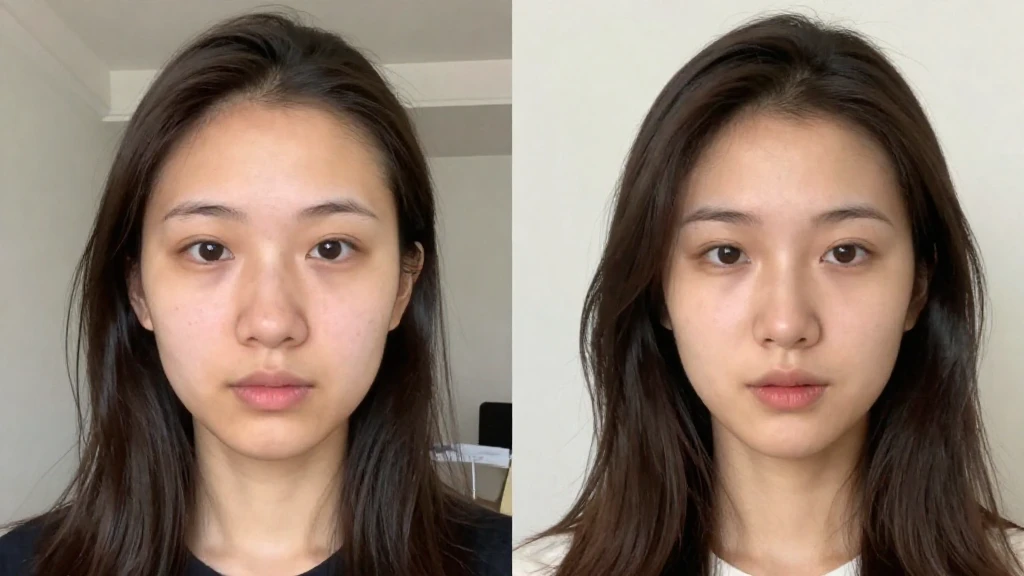
Natural Face Blending
Our AI video face swap automatically matches skin tones, lighting, and shadows between the source video and your face photo. The face swap result looks completely natural — no uncanny valley, no obvious edits. Expressions, emotions, and lip sync are perfectly preserved in every frame.
Multi-Face Video Face Swap
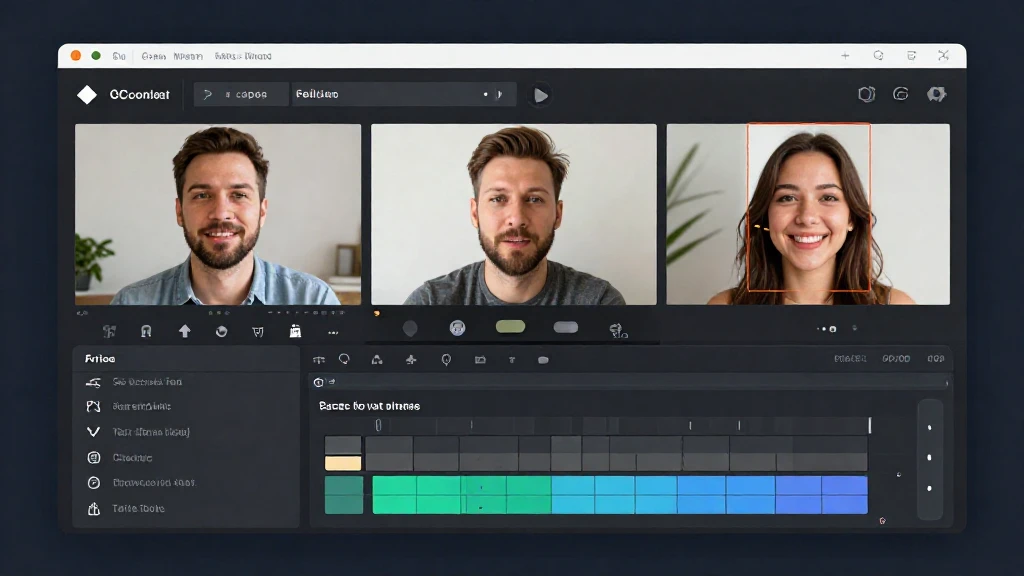
Need to face swap in a video with multiple people? Our AI detects all faces and lets you target specific ones. Swap the main character, a background person, or do multiple face swaps — full control over every face in the video.
Frame-Perfect Consistency
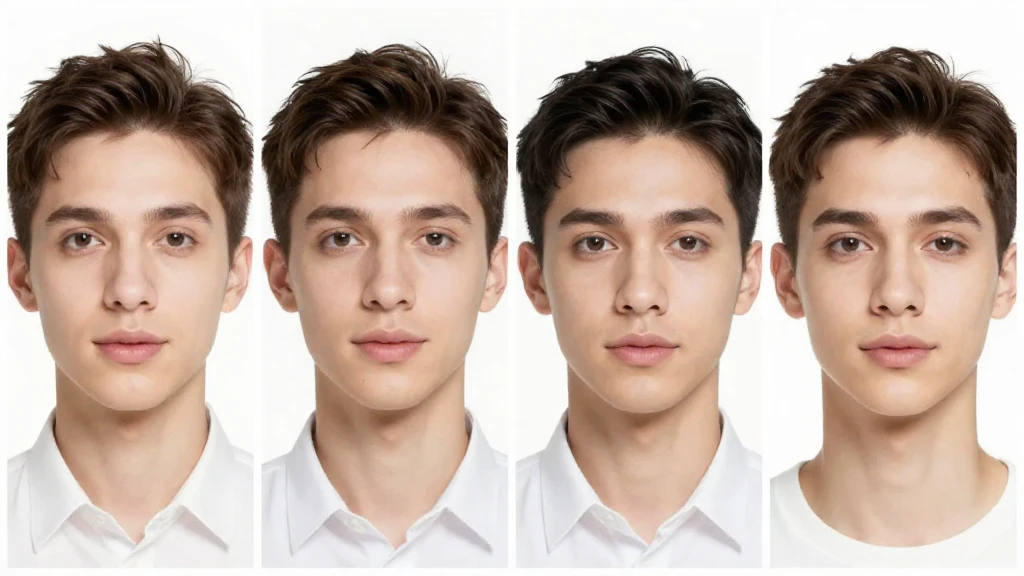
Unlike basic face swap tools that cause flickering, our AI video face swap ensures smooth, stable results across every frame. The face swap maintains consistent quality throughout the entire video with no artifacts, jitter, or visual glitches.
How to Face Swap in a Video with AI
Upload Your Video
Upload a video file (MP4 or MOV, up to 10 minutes) for face swap. Our AI automatically detects all faces in the video.
Upload the Face Photo
Upload a clear, well-lit face photo to use for the face swap. Front-facing photos with good lighting produce the most realistic video face swap results.
Face Swap & Download
Click 'Swap Face' and let the AI process your video face swap. Download the face-swapped video when ready — no watermark, full quality.
Video Face Swap FAQ
Explore More AI Tools
Discover other powerful AI tools for your creative projects
Ready to Face Swap in Your Videos?
Try our AI video face swap tool now. Upload a video and a face photo — get realistic face swap results in minutes.
No watermark · Fast AI face swap · Multi-face support