Flux 2 Image Generator — Create & Edit AI Images Free
Create and edit AI images with Flux 2's full model lineup — Dev, Pro, Max, Flash, Flex & Klein. Free online, no sign-up required. Instant results powered by Black Forest Labs.
All Black Forest Labs Flux Models
Explore Black Forest Labs' complete Flux model lineup - from Flux Pro to Flux 2 series. Each model is optimized for professional image generation with advanced prompting, multi-image editing, and industry-leading text rendering.

Why Choose Flux 2 Image Generator?
Flux 2 delivers state-of-the-art image generation with blazing speed, stunning quality, and powerful editing capabilities.
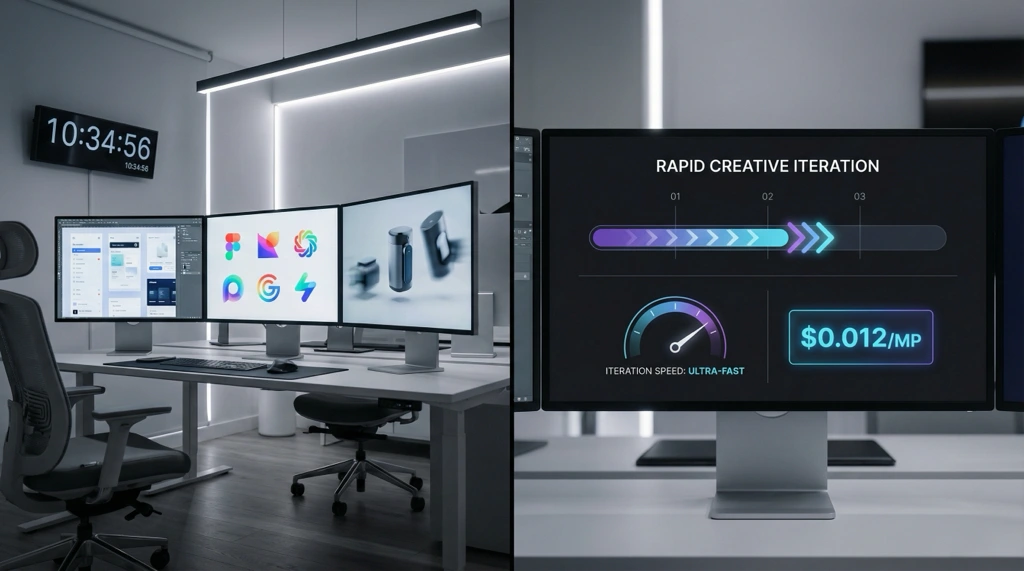
Lightning-Fast Creative Iteration
Accelerate your workflow with Flux 2 Image Generator Dev's rapid prototyping capabilities. Generate concepts in seconds at just $0.012 per megapixel - perfect for designers exploring multiple ideas. LoRA training-ready for custom style development, ideal for A/B testing visual concepts and rapid iteration cycles.
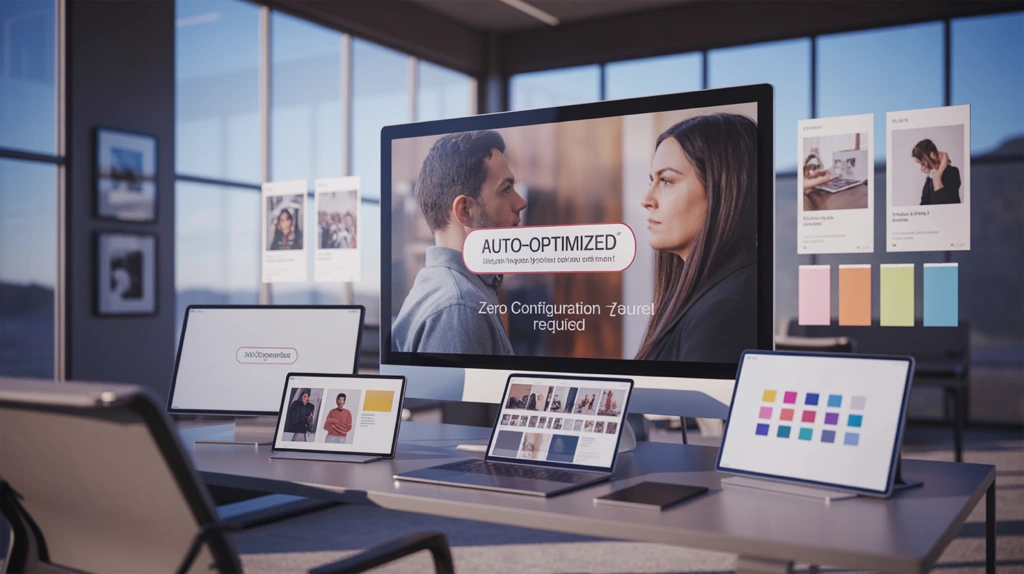
Zero-Configuration Professional Quality
Flux 2 Image Generator Pro delivers studio-grade results without parameter tuning. Automatic prompt enhancement and fixed optimization ensure consistent, production-ready brand assets. Perfect for marketing teams launching campaigns faster - generate complete asset sets in minutes with zero-configuration reliability.
Industry-Leading Text Rendering
Flux 2 Image Generator Flex excels at typography-heavy work with superior text accuracy. Create pixel-perfect logos, signage, and brand identifiers with HEX color precision for brand compliance. Adjustable quality parameters provide surgical control for text-intensive designs where typography matters most.

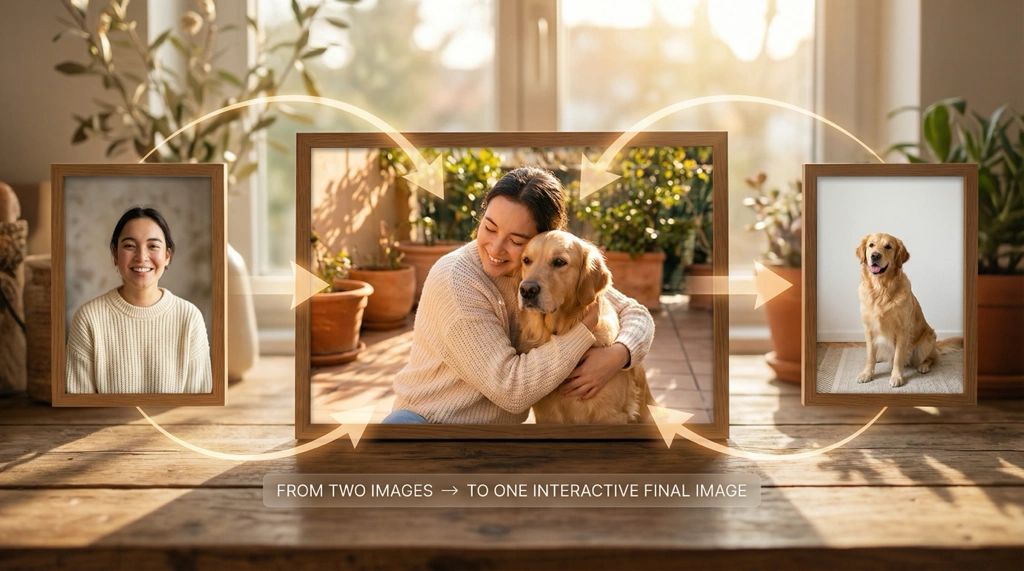
Dual-Mode Multi-Image Editing
Seamlessly switch between text-to-image generation and image-to-image editing in one unified interface. Flux 2 Image Generator's edit mode supports up to 10 reference images with @ syntax referencing. Natural language control enables complex multi-image blending for e-commerce pipelines and product compositions.
How to Use Flux 2 Image Generator
Select Model & Mode
Choose your model: Dev for rapid prototyping, Pro for professional quality, or Flex for superior typography. Switch between text-to-image generation and image-to-image editing modes as needed.
Craft Your Prompt
Describe your vision using natural language. Use advanced features like JSON prompts, HEX colors (#FF5733), or @ syntax for multi-image editing. Adjust parameters like guidance scale and inference steps for fine control.
Generate & Download
Generate professional-quality results in seconds. Download in JPEG, PNG, or WebP format. Iterate quickly with different models and settings to perfect your creation.
See What People Are Creating
Real examples and discussions from the community showcasing this model's capabilities.
Flux 2 Image Generator - Frequently Asked Questions
Explore More AI Tools
Discover other powerful AI tools for your creative projects


Start Creating with Flux 2 Image Generator
Experience the power of Flux 2's dual-mode AI studio. Three professional models, seamless text-to-image and image-to-image editing, all in one platform.


3 powerful models • Dual-mode generation • Multi-image editing • Start creating now